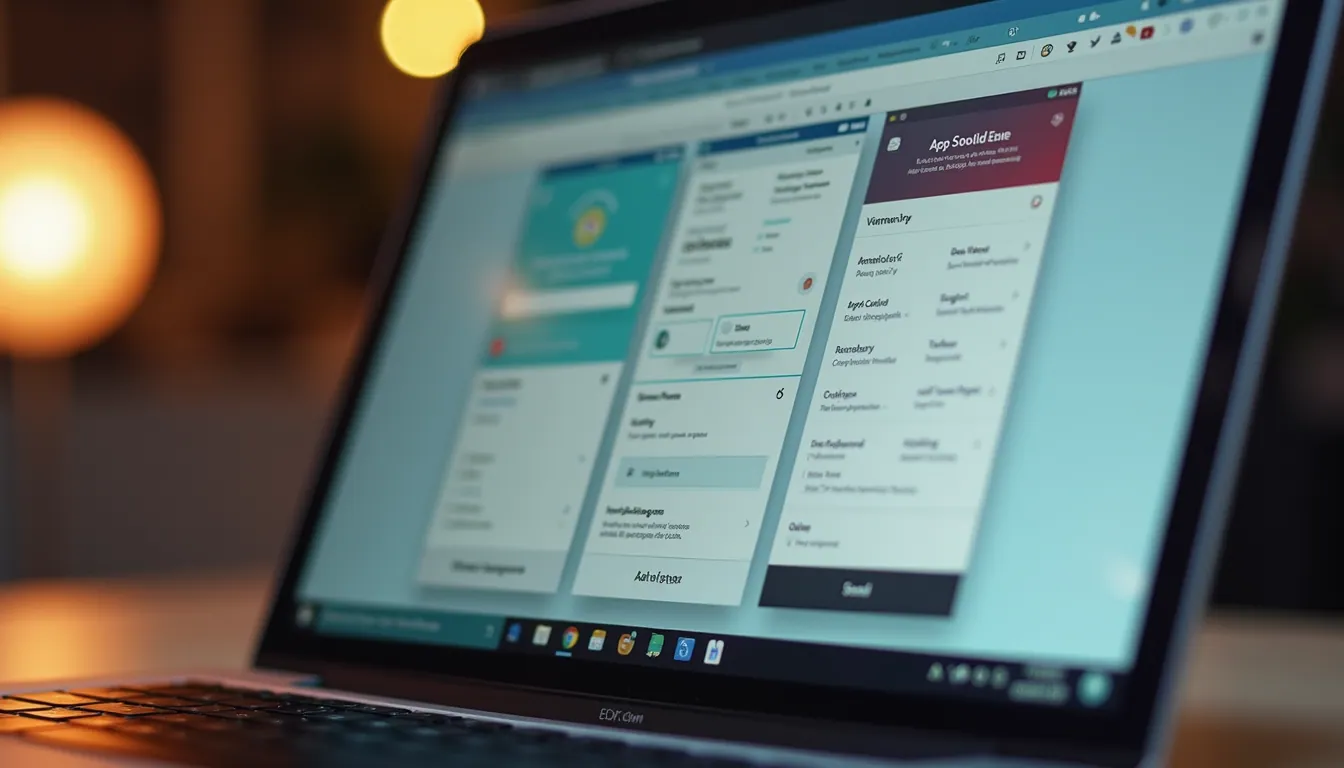
If you've ever thought about creating an Android app but felt overwhelmed by the technical skills required, you're not alone. The good news? Today, creating Android apps online is easier than ever. Thanks to powerful online Android app makers, you can build your own app without writing a single line of code. Sounds exciting, right? Let me walk you through how this process works and why it’s a game-changer for businesses looking to improve sales.
Why Choose an Online Android App Maker?
You might be wondering, why should I use an online Android app maker instead of hiring a developer or learning to code myself? Well, here’s the deal: online app makers are designed to simplify the entire app creation process. They offer drag-and-drop interfaces, customizable templates, and built-in features that let you focus on what matters most - your business goals.
Here’s what makes online Android app makers stand out:
No coding required: You don’t need to be a tech wizard.
Faster development: Build and launch your app in days, not months.
Cost-effective: Save money on expensive developers.
Easy updates: Make changes anytime without hassle.
Built-in features: From push notifications to payment gateways, everything’s ready to go.
Imagine having the power to create a professional app that showcases your products or services, engages customers, and boosts sales - all from your browser. That’s the magic of an online Android app maker.

How to Get Started with an Online Android App Maker
Getting started is simpler than you think. Here’s a step-by-step guide to help you launch your first app:
Choose the right platform: Look for an online Android app maker that fits your business needs. Check for features like template variety, ease of use, and customer support.
Sign up and explore templates: Most platforms offer free trials. Browse through templates designed for different industries.
Customize your app: Use drag-and-drop tools to add your logo, images, text, and features like contact forms or e-commerce options.
Preview your app: Test how it looks and works on different devices.
Publish your app: When you’re happy, publish it directly to the Google Play Store or download the APK file.
Don’t worry if you’re not tech-savvy. These platforms guide you through every step with helpful tips and tutorials. Plus, you can always reach out to support if you get stuck.
Features to Look for in an Online Android App Maker
Not all app builders are created equal. To make sure your app stands out and drives sales, look for these must-have features:
Customizable templates: Choose designs that match your brand identity.
User-friendly interface: Easy drag-and-drop tools save time.
E-commerce integration: Sell products directly through your app.
Push notifications: Keep your customers engaged with timely updates.
Analytics and reporting: Track user behavior and app performance.
Multi-language support: Reach a wider audience.
Offline functionality: Let users access content without internet.
For example, if you run a retail business, having e-commerce and push notifications can boost your sales by reminding customers about new arrivals or special offers. If you offer services, booking and contact forms can make it easy for clients to reach you.
Tips for Designing an App That Sells
Creating an app is just the first step. To truly improve sales, your app needs to be user-friendly and engaging. Here are some tips to keep in mind:
Keep it simple: Don’t overload your app with too many features. Focus on what your customers need most.
Use clear calls to action: Buttons like “Buy Now” or “Contact Us” should be easy to find.
Optimize for speed: Fast loading times keep users happy.
Make navigation intuitive: Users should find what they want in just a few taps.
Use high-quality images: Visual appeal matters.
Test on multiple devices: Ensure your app works well on phones and tablets of different sizes.
Remember, your app is a reflection of your business. A smooth, attractive app builds trust and encourages customers to take action.
Why Using an android app builder online Is a Smart Move for Your Business
You might still be on the fence about whether to dive into app creation yourself. Here’s why using an android app builder online is a smart move:
You control the process: No waiting on developers or agencies.
You save money: No hefty upfront costs or ongoing fees.
You can experiment: Try different ideas and update your app anytime.
You get insights: Built-in analytics help you understand your customers better.
You speed up sales: A well-designed app can turn casual browsers into loyal buyers.
Plus, many platforms offer white-label options, so you can even resell apps to other businesses. This opens up new revenue streams without extra development work.
Next Steps to Take Today
Ready to get started? Here’s what you can do right now:
Research and pick an online Android app maker that fits your budget and goals.
Sketch out your app idea - what features and content you want.
Sign up for a free trial and start building your app.
Test your app with friends or colleagues and gather feedback.
Launch your app and promote it through your website, social media, and email campaigns.
Remember, the key to success is taking action. The sooner you start, the sooner you’ll see results.
Creating Android apps online has never been easier. With the right tools and a clear plan, you can build an app that not only looks great but also drives sales and grows your business. So why wait? Dive in and make your app idea a reality today!