Creating an iOS app used to be a complex, time-consuming process that required deep coding knowledge and expensive software. But guess what? Those days are behind us. Today, you can design iOS apps online easily, even if you’re not a developer. Yes, you heard that right! With the right tools, you can build sleek, functional apps that boost your business sales without breaking a sweat.
If you’ve ever thought, “I want to create an app, but where do I start?” this post is for you. I’ll walk you through the benefits of using an online iOS app builder, how to get started, and some tips to make your app stand out. Ready to dive in? Let’s go!
Why Choose an Online iOS App Builder?
You might be wondering, why should I use an online iOS app builder instead of hiring a developer or learning to code myself? Great question! Here’s why online app builders are game changers:
Speed: You can have a working app in days, not months.
Cost-effective: No need to hire expensive developers or buy pricey software.
User-friendly: Drag-and-drop interfaces make design simple and fun.
Flexibility: Customize your app to fit your brand and business needs.
No coding required: Perfect for those who want to focus on ideas, not syntax.
Imagine being able to tweak your app’s design anytime, from anywhere, without waiting on a developer. That’s the power of an online iOS app builder. Plus, many platforms offer templates tailored for business goals like improving sales, making your app not just pretty but practical.
How to Get Started with an Online iOS App Builder
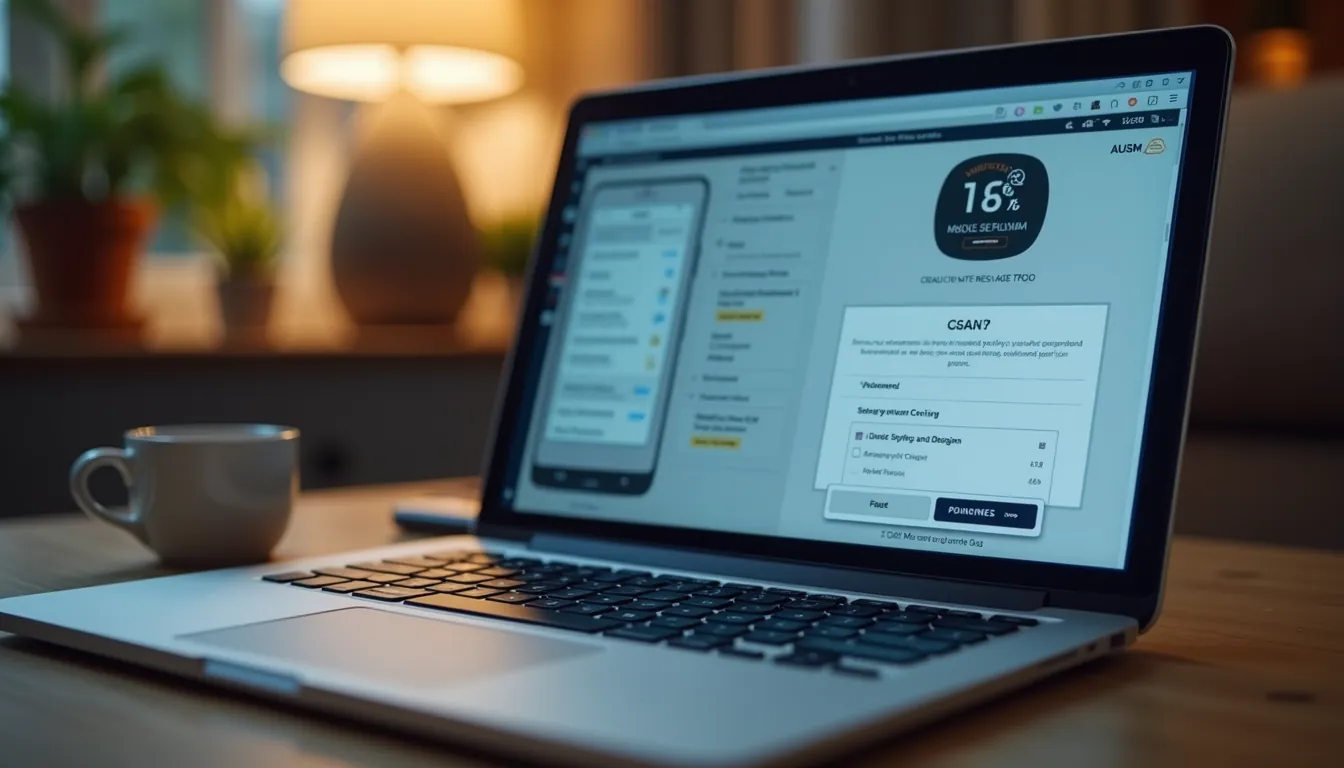
Starting your app design journey is easier than you think. Here’s a simple step-by-step guide to get you going:
Choose the right platform: Look for an ios app builder online that fits your needs. Check for features like templates, customization options, and support.
Sign up and explore templates: Most platforms offer free trials or demos. Pick a template that matches your business style.
Customize your app: Use drag-and-drop tools to add buttons, images, text, and more. Make sure your app reflects your brand colors and voice.
Add essential features: Think about what your customers need - contact forms, product catalogs, booking systems, or push notifications.
Preview and test: Always test your app on different devices to ensure it looks and works great.
Publish your app: Follow the platform’s instructions to submit your app to the Apple App Store.
Don’t rush the process. Take your time to explore features and make your app user-friendly. Remember, a well-designed app can significantly improve your sales by engaging customers directly on their phones.
Can ChatGPT 4 Build an App?
You might have heard about AI tools like ChatGPT 4 and wondered if they can build an app for you. The short answer? Not entirely. ChatGPT 4 is fantastic at generating ideas, writing code snippets, and helping you plan your app’s features. But it doesn’t replace a full app builder platform.
Here’s how ChatGPT 4 can help:
Idea generation: Brainstorm app concepts and features.
Code assistance: Write small pieces of Swift or other programming languages.
User experience tips: Suggest improvements for app flow and design.
Content creation: Generate app descriptions, onboarding text, or marketing copy.
However, to build a fully functional iOS app, you’ll still need an app builder or developer to handle the technical side. Think of ChatGPT 4 as your creative assistant, not the entire construction crew.
Tips for Designing an App That Boosts Sales
Designing an app is not just about looking good. It’s about creating an experience that encourages users to take action. Here are some practical tips to keep in mind:
Keep it simple: Don’t overwhelm users with too many features or cluttered screens.
Focus on navigation: Make it easy for users to find what they need quickly.
Use clear calls to action: Buttons like “Buy Now,” “Contact Us,” or “Book a Demo” should stand out.
Optimize for speed: Fast loading times keep users engaged.
Incorporate feedback: Use reviews and analytics to improve your app continuously.
Brand consistency: Use your logo, colors, and fonts to build trust and recognition.
Remember, your app is a direct extension of your business. The easier and more enjoyable it is to use, the more likely customers will stick around and make purchases.
What to Look for in an Online iOS App Builder
Not all app builders are created equal. When choosing your platform, consider these factors:
Ease of use: Is the interface intuitive? Can you build without coding?
Customization options: Can you tailor the app to your brand?
Feature set: Does it support the functionalities you need?
Support and resources: Is there help available if you get stuck?
Pricing: Are the costs transparent and affordable for your business?
Publishing assistance: Does the platform help you submit your app to the App Store?
Taking the time to pick the right builder will save you headaches later. Plus, a good platform will empower you to update and improve your app as your business grows.
Ready to Design Your iOS App Online?
Designing iOS apps online is no longer a dream reserved for tech experts. With the right tools and approach, you can create an app that not only looks great but also drives sales and connects with your customers. Whether you’re launching a new product, offering services, or simply want to engage your audience better, an online iOS app builder is your best friend.
So, why wait? Explore your options, start designing, and watch your business grow with a custom app made by you. Remember, the key is to keep it simple, user-friendly, and aligned with your sales goals. Happy app building!