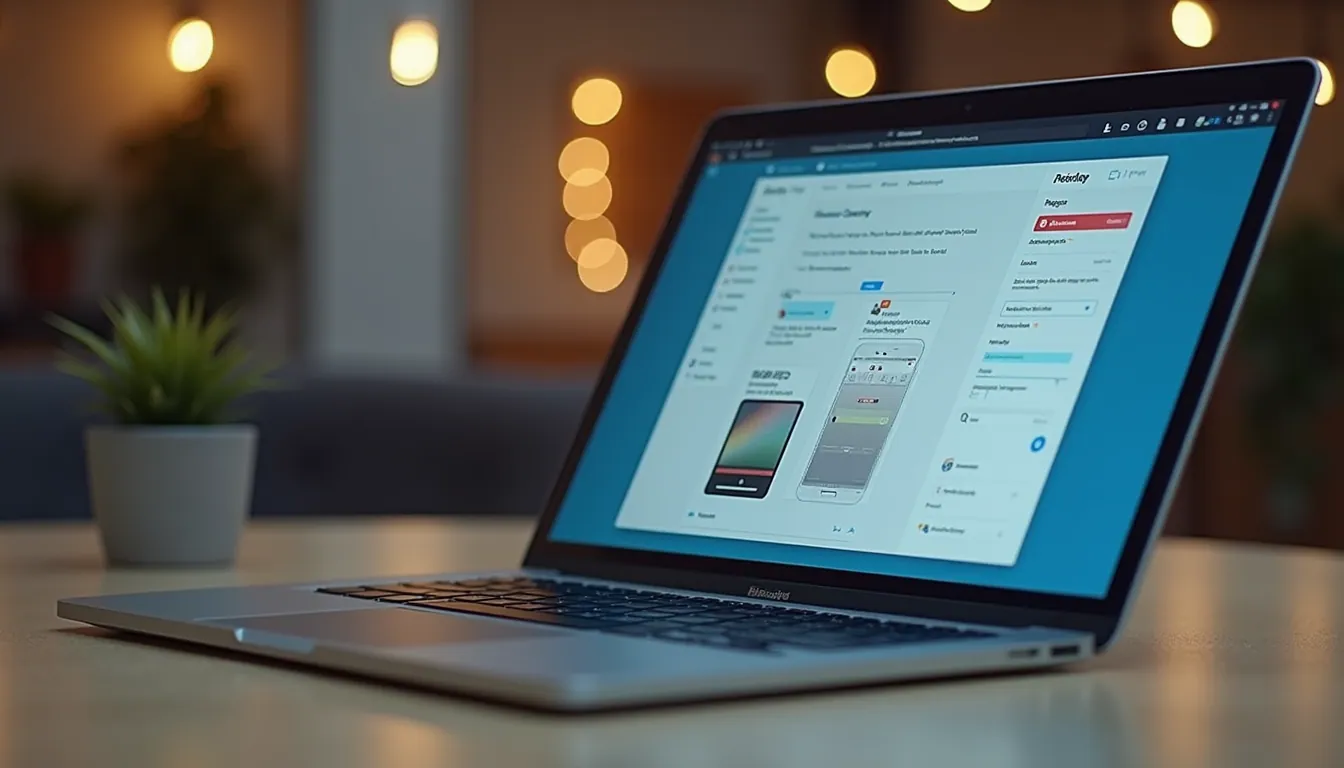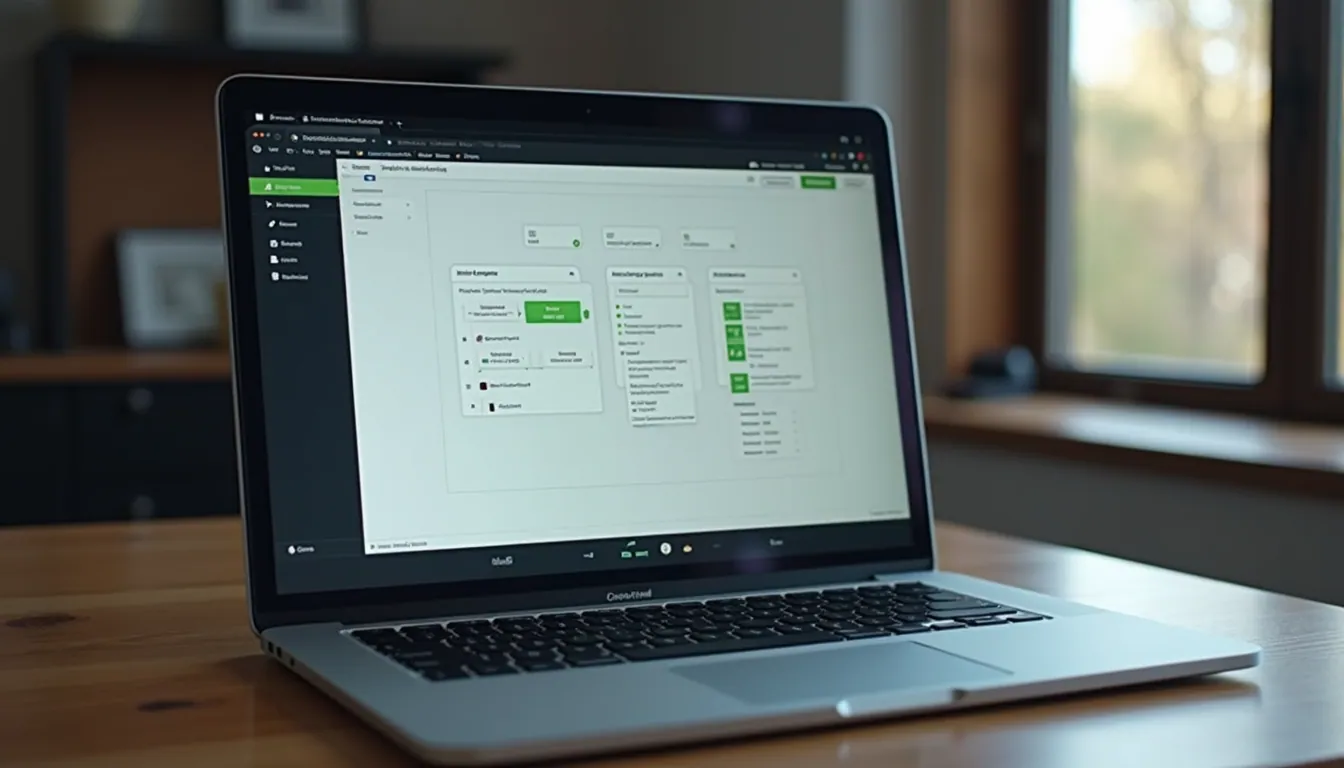
Building an Android app used to be a complex, time-consuming process. But guess what? Those days are behind us. Today, you can effortlessly build Android apps online without needing to write a single line of code. Sounds exciting, right? Whether you want to create an app for your business or resell mobile apps to clients, online Android app creation tools make it easier than ever to bring your ideas to life.
Let me walk you through everything you need to know to get started, stay productive, and boost your sales with your very own Android app.
Why Online Android App Creation Is a Game-Changer
If you’re thinking about building an app, you might be wondering why online Android app creation is such a big deal. Here’s the scoop: these platforms let you design, customize, and launch apps directly from your browser. No complicated software installations, no steep learning curves.
Here’s why it’s a game-changer:
Speed: You can have a basic app up and running in hours, not weeks.
Cost-effective: No need to hire expensive developers or designers.
User-friendly: Drag-and-drop interfaces make app building intuitive.
Flexibility: Easily update your app anytime, anywhere.
Scalability: Start small and grow your app as your business expands.
Imagine launching a sales app that showcases your products, offers promotions, and connects with customers—all without breaking the bank or waiting months.

How to Get Started with Online Android App Creation
Ready to dive in? Here’s a simple step-by-step guide to help you start building your Android app online:
Choose the Right Platform
Look for an android app builder online that fits your needs. Check for features like templates, customization options, and support.
Define Your App’s Purpose
What do you want your app to do? Is it for showcasing products, booking services, or sharing content? Clear goals help you build a focused app.
Pick a Template or Start from Scratch
Most platforms offer templates tailored to different industries. Pick one that matches your business or start fresh if you want full control.
Customize Your App
Add your logo, colors, images, and content. Use drag-and-drop tools to arrange features like menus, buttons, and forms.
Test Your App
Preview your app on different devices to make sure everything works smoothly.
Publish and Promote
Once you’re happy, publish your app to the Google Play Store or distribute it directly to customers.
The best part? You don’t need to be a tech wizard. These platforms guide you every step of the way.
Tips for Creating an App That Boosts Sales
Building an app is just the start. To really improve sales, your app needs to engage users and make buying easy. Here are some tips to help you create a sales-boosting app:
Keep It Simple
Don’t overwhelm users with too many features. Focus on what matters most—showcasing products, easy navigation, and quick checkout.
Use High-Quality Images
Visuals sell. Use clear, attractive photos of your products or services.
Add Clear Calls to Action
Buttons like “Buy Now,” “Contact Us,” or “Get a Quote” should stand out and be easy to find.
Offer Promotions and Discounts
Use your app to share exclusive deals. This encourages users to buy through your app.
Integrate Payment Options
Make purchasing seamless by including popular payment methods.
Collect Feedback
Include a feedback form or rating system to learn what users love and what needs improvement.
Keep Your App Updated
Regular updates with new features or content keep users coming back.
By focusing on these elements, your app becomes a powerful sales tool that works around the clock.

Common Challenges and How to Overcome Them
Even with online tools, building an app can come with challenges. But don’t worry—I’ve got your back. Here are some common hurdles and how to tackle them:
Design Overwhelm
Too many options can be confusing. Stick to a clean, consistent design. Use your brand colors and fonts to keep it professional.
Feature Creep
It’s tempting to add every feature imaginable. Resist! Focus on core functions that support your sales goals.
Testing Issues
Apps can behave differently on various devices. Test on multiple screen sizes and Android versions to catch bugs early.
Publishing Delays
Getting your app on the Google Play Store can take time. Prepare your app description, screenshots, and privacy policy in advance to speed up approval.
User Engagement
Building an app is one thing; getting users to use it is another. Promote your app through email, social media, and in-store to drive downloads.
Remember, every challenge is an opportunity to learn and improve. Take it step by step, and you’ll see progress fast.
Making the Most of Your Android App for Business Growth
Once your app is live, it’s time to maximize its impact. Here’s how to turn your app into a growth engine:
Analyze User Behavior
Use built-in analytics to see which features users love and where they drop off. This data helps you make smart updates.
Engage with Push Notifications
Send timely messages about new products, sales, or events. Keep your audience informed and interested.
Leverage Social Sharing
Add social media buttons so users can share your app or products with friends.
Offer Loyalty Programs
Reward repeat customers with points or discounts through your app.
Expand Your Reach
Consider creating multiple apps for different markets or product lines.
By actively managing your app, you create a dynamic sales channel that grows with your business.
Building an Android app online is no longer a daunting task. With the right tools and approach, you can create a professional, sales-driving app quickly and affordably. So why wait? Start your journey today and watch your business reach new heights with your very own Android app.
Ready to get started? Check out this android app builder online and see how easy it is to bring your app idea to life!