

Whether you’re a marketer or a business owner, you have one goal: get people to click that CTA button. It’s clear every ecommerce marketing strategy should include conversion rate and page optimization. Running the experiments above will help create better experiences for your visitors and encourage them to take that desired action—be it email signups, add to carts, or sales.
CREATE YOUR ONLINE BUSINESS
What is conversion rate optimization?

Conversion rate optimization is a technique for increasing the percentage of your website traffic that makes a purchase, also known as a conversion. It uses the psychology of persuasion to encourage people to take a desired action.
Conversions are a big deal. They’re that great moment when a casual visitor to your store finally buys one of your products. And, on a much smaller scale, conversions are happening all the time leading up to that moment, too.
For instance, a conversion on your homepage might mean having a visitor click through to a product. A conversion on a product page might mean a customer clicking Add to Cart. Conversions can be entirely dependent on the purpose that a specific part of your website serves.
Typical website conversions for ecommerce brands include:
Visitor adding item to wishlist
Email signups
Online sales
Visitor adding product to cart
But you aren’t limited to the above examples. You can track and optimize for any key performance indicators (KPIs) or metrics that are specific to your business. Conversion is a broad subject because it impacts many different aspects of your website and digital marketing channels.
To increase conversions to an online store, you need to be constantly testing each and every aspect of your website.
How to calculate your conversion rate

An essential part of maintaining a viable conversion rate optimization process is making sure you are tracking conversion rates across your channels. To do that, you need to know how to calculate CRO.
CONVERSION RATE=
TOTAL NUMBER OF CONVERSIONS/NUMBER OF VISITORS X100
If your store had 50 sales and 1,000 visitors last month. Your conversion rate is 50 divided by 1,000 (.05), multiplied by 100, which equals 5%.
What’s a good conversion rate for your store? The latest surveys and studies show the average conversion rate for ecommerce sites is 2.86%. As a new store owner, a good goal to aim for is between 1% and 2%. The following conversion rate optimization strategies will help improve your conversion rate over time.
How to optimize conversion rates
There are a few different ways to optimize conversion rates. This guide will focus on one that we know works. It’s a form of experimentation called A/B testing, also known as split testing.
A/B testing is a way of comparing two versions of the same webpage to see which produces better results. With A/B testing, two different versions of a page are shown to two similar sets of visitors at the same time. Eventually, the version that performs more effectively and produces a larger amount of conversions is declared the winner.
Before you conduct an A/B test, you’ll need to figure out if your website gets enough traffic to generate statistically significant results. If your sample size is too small, you won’t be able to learn anything from your results since they won’t accurately reflect how a larger population is using your site.
If you want to calculate how large of a sample size you’ll need to conduct an A/B test, you just need to drop your current conversion rate for the web page you’d like to test into this calculator.
If the traffic that the webpage receives is less than the sample size required for the test, focus on driving more traffic to your website first rather than optimizing for conversions.
How to Find the current conversion rate of a single page
To find your current conversion rate, you’ll first need to make sure you have Google Analytics set up for your online store. With Google Analytics, you’ll be able to figure out the conversion rate for specific parts of your website, including the webpages you’ll be testing.
The quickest way to find the current conversion rate for specific pages of your website is by using the Landing Pages report in Google Analytics.
To get to Landing Pages, first go to the Behavior section and then click Site Content. In the dropdown, click on Landing Pages. Make sure that the timeframe you’re looking at is the same amount of time that your test will be running. For the purpose of this part of the process, just use the past 30 days.
Now, select the webpage you’d like to test from the list of landing pages. For instance, if you’d like to test your home page, click on www.youronlinestorename.com.
In order to find the conversion rate for a specific goal that occurs on this page, you’ll need to add a secondary dimension to your report. Click Add Secondary Dimension and type “Second Page.” The second page dimension will tell us which pages visitors navigate to next and what percentage of visitors to your first page went to those pages.
How to Create CRO experiments
If your site has enough traffic to perform a successful A/B test, you can start experimenting on your online store.
To run an A/B test, you’ll need to use a tool like Optimizely, Convert, or Adobe Target and set up goals for your online store using Google Analytics. Create a separate goal for every action you’re trying to test on your website.
In Google Analytics, goals are a way of measuring how your website guides visitors to completing a specific task or objective. Goals can be anything, including a product purchase, a newsletter subscription, or a simple navigation. By setting up goals for your test, you’ll be able to track and analyze the data behind the decisions customers are making as they move through your site.
There are five different types of conversion goals in Google Analytics: destination, duration, pages per session, event, and smart goals. For the purpose of CRO, destination goals and event goals are the ones to focus on.
Destination goals
You can use destination goals for tracking things like purchases or navigation.
If you want to track a purchase, simply set the Thank You or order confirmation page as the destination and a conversion will be tracked every time a customer completes an order and is redirected to the Thank You page.
To track navigation goals—like someone heading to a collection from your homepage—set the destination as your collection page.
Event goals
Event goals can be used to track actions on your website that do not necessarily lead someone to a landing page.
For instance, if you want to track someone subscribing to your newsletter or adding an item to their cart, you can set the action of a customer clicking a specific button on your website as an event.
Best Ecommerce conversion rate optimization strategies

Optimizing your online store isn’t a one-and-done solution for ecommerce, it’s an ongoing process that will help you constantly learn more about your audience and how you can better serve them. It’s not a tactic with an endpoint—it’s something you should always be doing to get better.
“CRO requires a growth-driven design approach with continuous iterations. Ongoing analysis, along with testing using tools like Google Optimize, will drive incremental improvements to help your Shopify store reach its full potential.”
Be sure to keep a list handy of all the experiments you’re planning on running in the future so you’re never without a new idea to explore.
Homepage
Think about your homepage as a physical storefront. It’s the front window of your store: capturing attention, igniting curiosity, and pulling people in.
Your homepage needs to feel inviting and to make it easy for people to enter and navigate your store. It needs to be a visually appealing and consistent experience that works toward achieving a single goal: getting people further into your store so they can find products they want to purchase.
Simplify the user experience
Add testimonials to build trust
Show off coupon codes, real time purchases, and more
Simplify the user experience:
When it comes to designing an effective homepage, simplicity is key. It only takes 50 milliseconds for a customer to form a first impression of your website, so you need to do everything possible to make those moments count. Avoid overwhelming potential customers with excessive images and text. Instead, stay on brand and on message with a simple, visually appealing design.
If you’re not sure what to feature as your main hero, it’s usually best to go with either your bestselling or most profitable products, or collections like new arrivals or current promotions. This is especially true since 86% of website visitors want to see information about products on the homepage of a website.
Add testimonials to build trust
Have you been featured in major publications? Are your products used by any high-profile influencers? Add testimonials, reviews, and badges to your homepage beneath your main content to build trust and project credibility. After all, 88% of consumers trust online reviews as much as they trust recommendations from their friends and families.
Show coupon codes, real time purchases, and more
As soon as your customers hit your homepage, you have the opportunity to start building excitement and driving them toward your products. If your goal is to get more traffic to your products, there are a bunch of great apps for Shopify store owners that can help drum up demand and incentivize purchasing:
Welcome bars.
Apps like 20+ Promotional Sales Tools let you share sales, coupon codes, promotions, and more with your customers as soon as they arrive on your site. These apps add a non-intrusive floating bar to the top of your homepage that will instantly grab your customers’ attention and push them exactly to where you need them to be.
Pop-ups.
Pop-ups and pop-unders are fantastic for building your email list by offering a coupon code in exchange for a newsletter sign-up.
Real-time purchases.
Apps like Fomo Social Proof add a small notification to the bottom corner of your store, showcasing real-time purchases being made by other customers. These popups incite a sense of urgency while also giving customers social proof that other people are out there buying your products right this minute. Behavioral psychology researchers at the University of Kentucky report that urgent situations cause people to act impulsively and quickly.
How to increase Product discovery
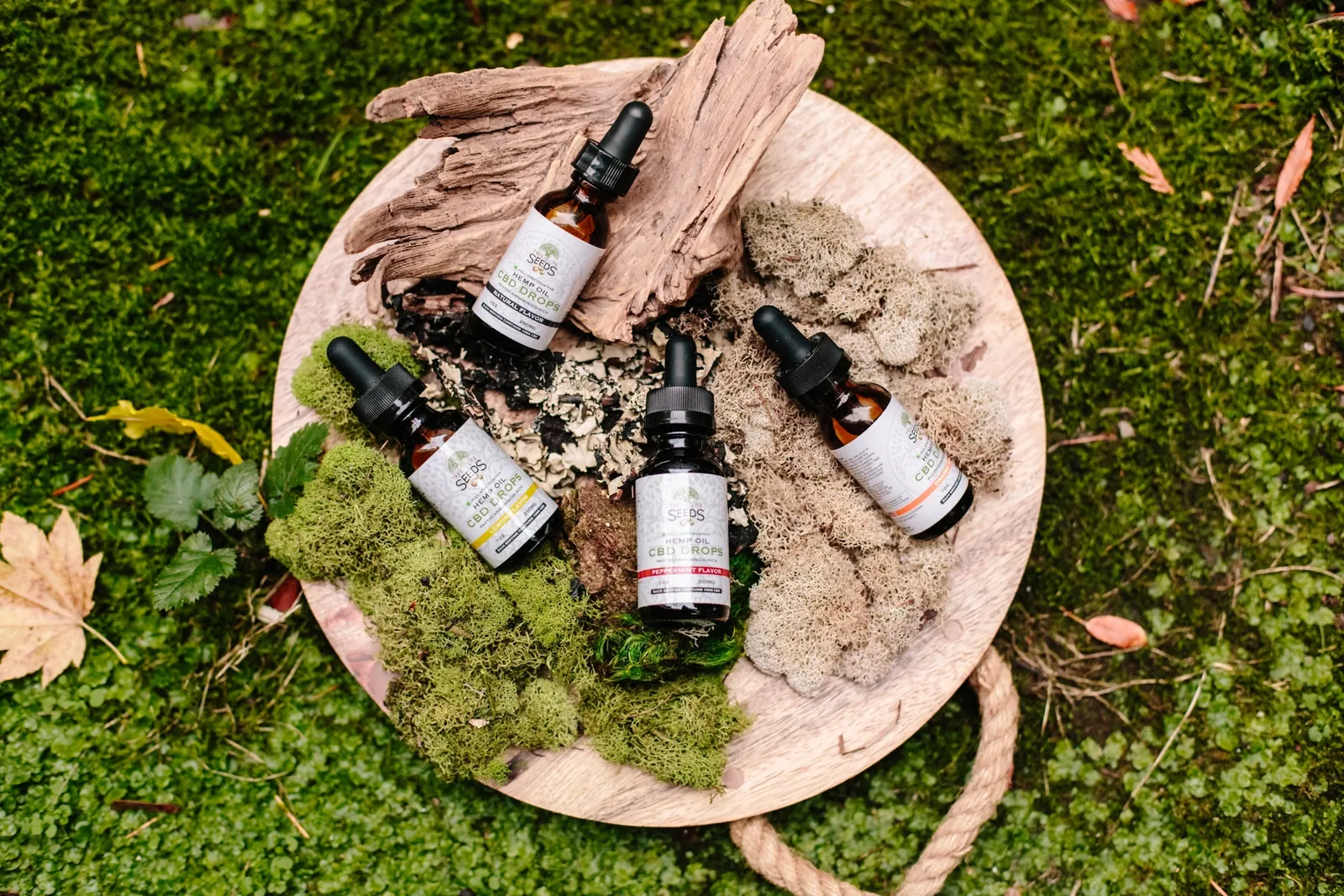
Once customers are on your homepage, they need to be able to find the products they’re looking for and discover new products they might be interested in.
Your customers need to be able to navigate your website through a well-thought-out search function, smart category design, and engaging ways to discover products.
Organize your categories effectively
Take advantage of your 404 pages
Use intelligent search
Add a shoppable instagram feed
Organize your categories effectively
For your customers, navigating your website should be easy, simple, and—most of all—obvious. Try to avoid separating your products into too many different categories. Instead, opt for four to six broad categories that contain more specific subcategories as a dropdown.
Order your categories in your navigation bar based on their popularity, with your most popular category at the front.
Take advantage of 404 pages
Are your 404 pages a dead end? Instead of leaving customers hanging when they hit a 404, try to guide them to other parts of the website that might be more useful. Customize your 404 page to feature links to your most popular collections, products, and promotions.
Use intelligent search
If your customers are looking for a product on your website, chances are they might not know exactly where to find it.
If your store has a large amount of products, you might want to consider featuring your search bar prominently on your homepage, giving your customers the opportunity to head directly where they want to be rather than digging through categories.
You can power up your search bar with predictive results that help your customers find what they’re looking for. Intelligent search bars suggest results and products as users are typing while taking into account things like spelling errors and alternate product names.
Add a shoppable instagram feed
Instagram is an extremely useful tool for product discovery. Embedding a shoppable Instagram feed onto your website is a great opportunity to inspire your fans with gorgeous photos and show off your products in everyday scenarios.
Shoppable Instagram feeds are perfect for displaying user-generated content, which is starting to play a massive role in the purchasing behavior of millennials. Research indicates that user-generated content results in 29% higher conversions for sites with it than for those without.
How to Create Product pages
Each and every one of your product pages needs to be built around clearly communicating the value of your products to your customers. You need to build immersive experiences that cover every aspect of your products while removing any opportunity for doubt or frustration.
Be upfront about price, delivery time, and out-of-stock products
Showcase your product reviews
Use high-quality product images
Be upfront about price, delivery time, and out-of-stock products
The worst thing you can do is mislead your customers. According to the latest shopping cart abandonment statistics, 69.6% of online shopping carts are left behind. The top reason? Extra costs are too high.
Don’t be afraid to let them know the full extent of things like pricing, delivery time, and inventory. If you do an effective job of selling your products and communicating their value, your customers won’t mind paying a little extra for shipping or waiting a little longer for delivery.
Showcase your product reviews
Product reviews are a great way to ease the doubts of hesitant shoppers and give your customers the social proof they need to click Add to Cart. In fact, 66% of customers say their purchasing decisions are influenced by reading online product reviews.
Positive product reviews can make all the difference in convincing shoppers that a product really works and is worth purchasing. Reviews also help them make more informed decisions in regard to sizing, colour, and more.
Use high-quality product images
High-quality product photos are the most important part of an effective product page. Data from Justuno shows that 93% of consumers consider visual appearance to be the key deciding factor in a purchasing decision. Try to include images that show your products from every angle and accurately represent the look and feel of your products.
As a bonus, include a video that shows your product in action. For instance, if you’re selling t-shirts, give customers a better idea of what your shirts look like in motion and add a video to your product page of a model walking around wearing one. Younger consumers are actually 85% more likely to make a purchase after watching a product video.
How to provide a great Checkout experience
The checkout experience is one the final steps of every customer’s purchasing process, so it needs to be as frictionless and flawless as possible to avoid having frustrated customers abandon their carts at the last moment.
At this point in their journey, your customers display clear intent to make a purchase. You need to make that purchase happen quickly and conveniently without any stress or confusion.
Send abandoned cart emails
Pre-fill your customer’s information
Optimize your thank you and order confirmation emails
Send abandoned cart emails
Unfortunately, customers sometimes fill up their carts with products and then leave your store with no intention of returning. With abandoned cart emails, you can remind those customers of the items they’ve already expressed interest in and give them a little nudge to return to your store to complete the purchase.
Pre-fill your customer’s information
You can make it even easier for your current customers to make repeat purchases by prefilling their shipping and billing information with customer accounts. The less information customers need to enter, the better. One study from Google reports that customers fill out forms 30% faster with autofill, which can result in more conversions at checkout.
Optimize your thank you and order confirmation emails
After a customer has placed an order, there’s still an opportunity to put them back into your purchasing funnel by optimizing your order confirmation email to encourage them to sign up for your newsletter, link them to content on your blog, or offer them exclusive discounts and promotions for future orders as a token of appreciation.
How to provide Shipping and returns
Even after a customer has gone through the checkout process, you need to remember that the purchase isn’t over until the product is in their hands. Think of how you handle shipping and returns as yet another opportunity to delight your customers and turn all of those one-time shoppers into lifelong customers.
Waiting for a package is an anxiety-inducing experience. Receiving a product that you’re dissatisfied with is even worse. You need to do everything in your power to make shipping and returns enjoyable for your audience.
Offer free shipping
Have a clear refund policy
Offer free shipping
Expensive shipping costs can be a huge pain point for customers and potentially hold them back from making purchases. Try offering free shipping to encourage your customers to put in an order, regardless of how far it has to travel. Free shipping can have a major impact on conversions, with 73% of consumers reporting free shipping deliberately influencing their decision to buy online.
Have a clear refund policy
According to UPS, 68% of shoppers check a website’s return and exchange policy before making a purchase.
That’s why many brands now advertise “free,” “easy,” and “no-hassle” returns and exchanges to increase conversion rates and online purchases.
To help relieve your customer’s concerns, make sure your business has a clear refund policy so they know exactly what they can do if they aren’t satisfied with an order.
It’s no surprise that some customers are hesitant about making purchases online. When it comes to ordering things like clothing, it can be difficult to know exactly how a piece will fit in person.
How To Increase Website Engagement

Although optimizing elements like your homepage, product discovery features, and product pages is crucial for pushing your customers through the conversion funnel, you also need to make sure that your website contains additional information like contact details and an About section.
Create a comprehensive Contact page
Tell a story with your About page
Create a comprehensive Contact page
If your customers want to get in touch with you, they should be able to do so easily. In fact, a web usability report by KoMarketing found that 44% of survey respondents leave a website if there isn’t contact information or a phone number available.
For customers, not being able to share their thoughts and feelings—whether positive or negative—is an extremely frustrating experience. Your Contact page should include ways for your customers to reach out when something goes wrong, as well as opportunities for them to engage with your brand in fun and exciting ways.
Here’s a quick checklist of everything your Contact page should include:
Your retail store hours
Links to your social media profiles
An email address or contact form
Your physical location, along with a map and directions
Support-specific contact options, including a phone number or email
Tell a story with your About page
Try to build a story around both your products and your customers’ relationship with them. Ask yourself questions like: Where did your idea come from? What makes them special? What does an average day in your ideal customer’s life look like?
Your About page is so much more than a brief summary of your store. It should tell a story to your customers about your products and your brand’s mission. The goal of your About page should be to build a lifestyle around your products that your audience will want to be a part of.
How to Increase Website speed and performance
The performance of your website is closely tied to your success as a business. According to Google, 53% of mobile visitors will leave your site if it takes longer than three seconds to load. That’s a huge amount of traffic you could be turning away without even realizing it.
Imagine you were waiting outside a store and you had to wait for the owner to come to the door to let you in. Sure, you might wait one or two seconds for them to come to the door.
Optimize your website’s loading times
Make sure your site is mobile responsive
Optimize your website’s loading times
People will leave your website if it’s slow. Faster websites don’t only provide a good experience, but are also good for your store’s SEO. The more people stay on your site, the lower your bounce rate, which signals to search engines that your website is credible and worthy of traffic.
The easiest way to check how long your online store takes to load is by using Google’s PageSpeed Insights tool. PageSpeed Insights will give you a detailed report of how fast your website loads, along with any issues you can resolve to improve your load times.
While optimizing your store’s load times can be a complicated process, there are a couple things to always keep in mind. The size of your images can have a significant impact on how quickly your website loads. Try to compress and optimize every image using a tool like ImageOptim. ImageOptim strips away all of the unnecessary data in every image file, resulting in a much smaller file size with no noticeable visual difference.
Make sure your site is mobile responsive
Being mobile responsive should be a priority for your business. Over 54% of all web traffic comes from smartphones and tablets, according to Statista. You want to provide a great experience for mobile site visitors.
If you want to check if your website is responsive, just drop your URL into Google’s mobile-friendly test tool.
Next Steps:
Your store needs to be designed with your customers in mind.
While boosting your traffic can generate more sales, it’s just as important to focus on turning your current traffic into paying customers. At every step of your customers’ purchasing journeys, there are new opportunities for you to make their paths shorter, easier, and more enjoyable. Through rigorous experimentation and analysis, you can fine-tune your website to push people closer to making a purchase. This process is called conversion rate optimization, or CRO.
Ready to create your business with Appily App Builder?
GET STARTED