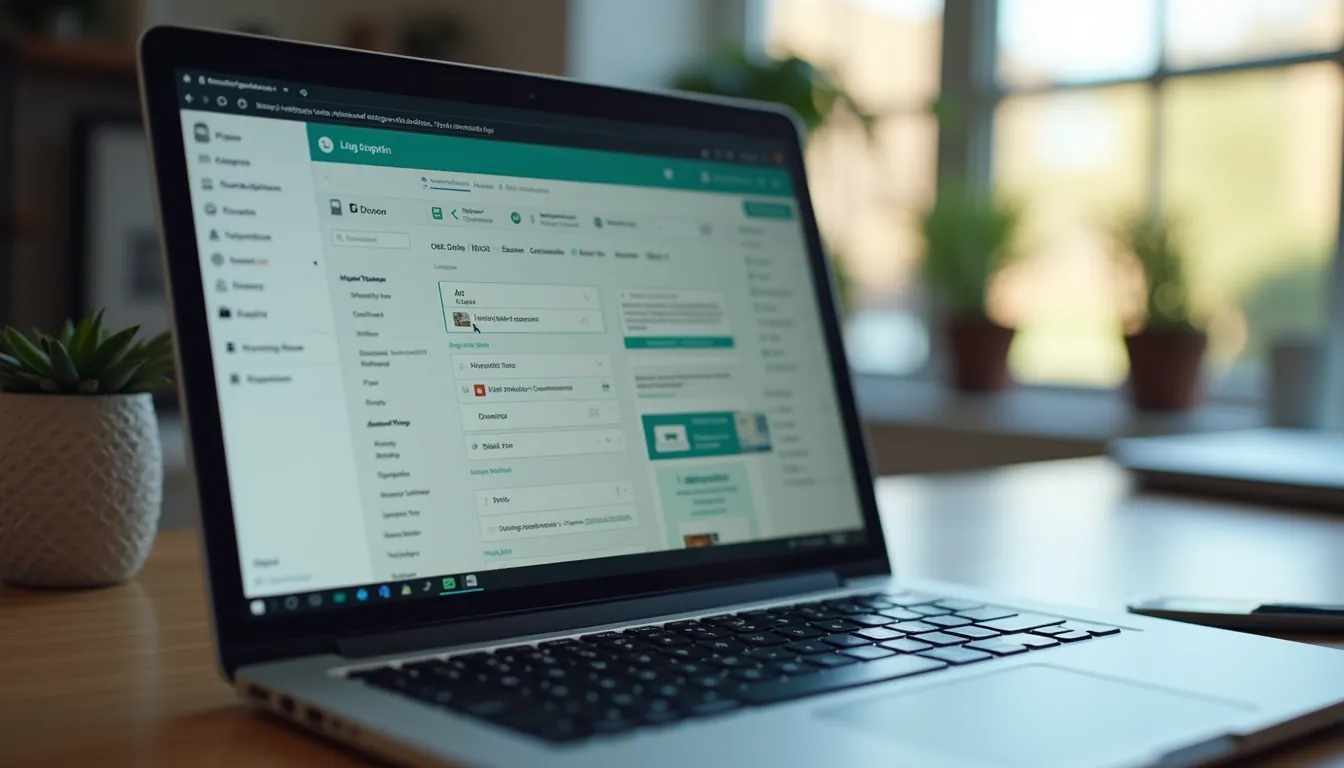
If you’ve ever thought about creating an Android app but felt overwhelmed by the technical jargon and coding, you’re not alone. The good news? You don’t need to be a developer or spend months learning to build an app. Thanks to the rise of online Android app creators, the process has become straightforward, fast, and even fun. Whether you want to boost your business sales or offer mobile solutions to your clients, creating apps online is now within your reach.
Let me walk you through how you can create Android apps online made simple, using tools designed for people just like you.
Why Choose an Online Android App Creator?
You might be wondering, “Why should I use an online Android app creator instead of hiring a developer or learning to code myself?” Great question! Here’s why:
Speed: You can have a working app in days, not months.
Cost-effective: No need to hire expensive developers or agencies.
User-friendly: Drag-and-drop interfaces make design easy.
No coding required: Perfect for beginners or busy business owners.
Customization: Tailor your app to fit your brand and business needs.
Imagine launching an app that showcases your products, offers promotions, or even allows customers to book services directly from their phones. With an online Android app creator, this vision becomes reality without the headache.

How to Get Started with an Online Android App Creator
Starting your app-building journey is easier than you think. Here’s a simple step-by-step guide to get you going:
Choose the right platform: Look for an online Android app creator that fits your business goals. Many platforms offer free trials or demos.
Pick a template: Most platforms provide templates tailored to different industries like retail, services, or events.
Customize your app: Add your logo, colors, and content. Use drag-and-drop tools to arrange features like menus, galleries, or booking forms.
Add functionality: Integrate features such as push notifications, social media links, or payment gateways.
Preview and test: Check how your app looks and works on different devices.
Publish your app: Once satisfied, publish it directly to the Google Play Store or distribute it privately.
Don’t worry if you’re not tech-savvy. These platforms are designed to guide you through every step with clear instructions and support.
Tips for Designing an Effective Android App
Creating an app is not just about functionality; it’s about user experience. Here are some tips to make your app stand out and keep users coming back:
Keep it simple: Avoid clutter. Focus on essential features that serve your business purpose.
Use consistent branding: Colors, fonts, and logos should match your business identity.
Make navigation intuitive: Users should find what they need in just a few taps.
Optimize for speed: Fast loading times improve user satisfaction.
Include clear calls to action: Whether it’s “Buy Now,” “Book a Service,” or “Contact Us,” make it obvious what you want users to do.
Test on multiple devices: Ensure your app looks great on phones and tablets of different sizes.
Remember, your app is an extension of your business. Treat it like your digital storefront.
How Using an Android App Builder Online Can Boost Your Sales
You might be asking, “How exactly does creating an app help improve my sales?” Here’s the scoop:
Direct communication: Push notifications let you send promotions and updates straight to customers’ phones.
Increased engagement: Apps keep users coming back with loyalty programs, exclusive content, or easy booking.
Better customer experience: A well-designed app simplifies shopping or service booking, reducing friction.
Brand visibility: Being on the Google Play Store increases your brand’s reach.
Data insights: Track user behavior to tailor marketing strategies and improve offerings.
Using an android app builder online is a smart move to tap into mobile users who spend hours on their devices daily. It’s a direct line to your audience that can translate into real sales growth.
Common Features to Include in Your Android App
When building your app, consider these must-have features that can make a big difference:
Product catalog or service list: Showcase what you offer with images and descriptions.
Contact forms or chat: Make it easy for customers to reach you.
Booking or appointment system: Perfect for service-based businesses.
Payment integration: Allow users to pay securely within the app.
Push notifications: Keep users informed about deals and news.
Social media links: Connect your app with your social channels.
Reviews and ratings: Build trust with customer feedback.
Most online Android app creators provide these features as easy-to-add modules. You just drag, drop, and customize.
Final Thoughts on Creating Android Apps Online
Creating an Android app online is no longer a daunting task. With the right tools and a clear plan, you can build an app that not only looks professional but also drives sales and strengthens your brand. Remember, the key is to keep things simple, focus on your business goals, and use the features that matter most to your customers.
So, why wait? Dive into the world of online Android app creators and start building your app today. Your business deserves to be where your customers are - right in their pockets.
Happy app building!
Thinking of selling apps to clients? The white label app reseller program lets you build and sell iOS and Android apps under your own brand, with no developers.